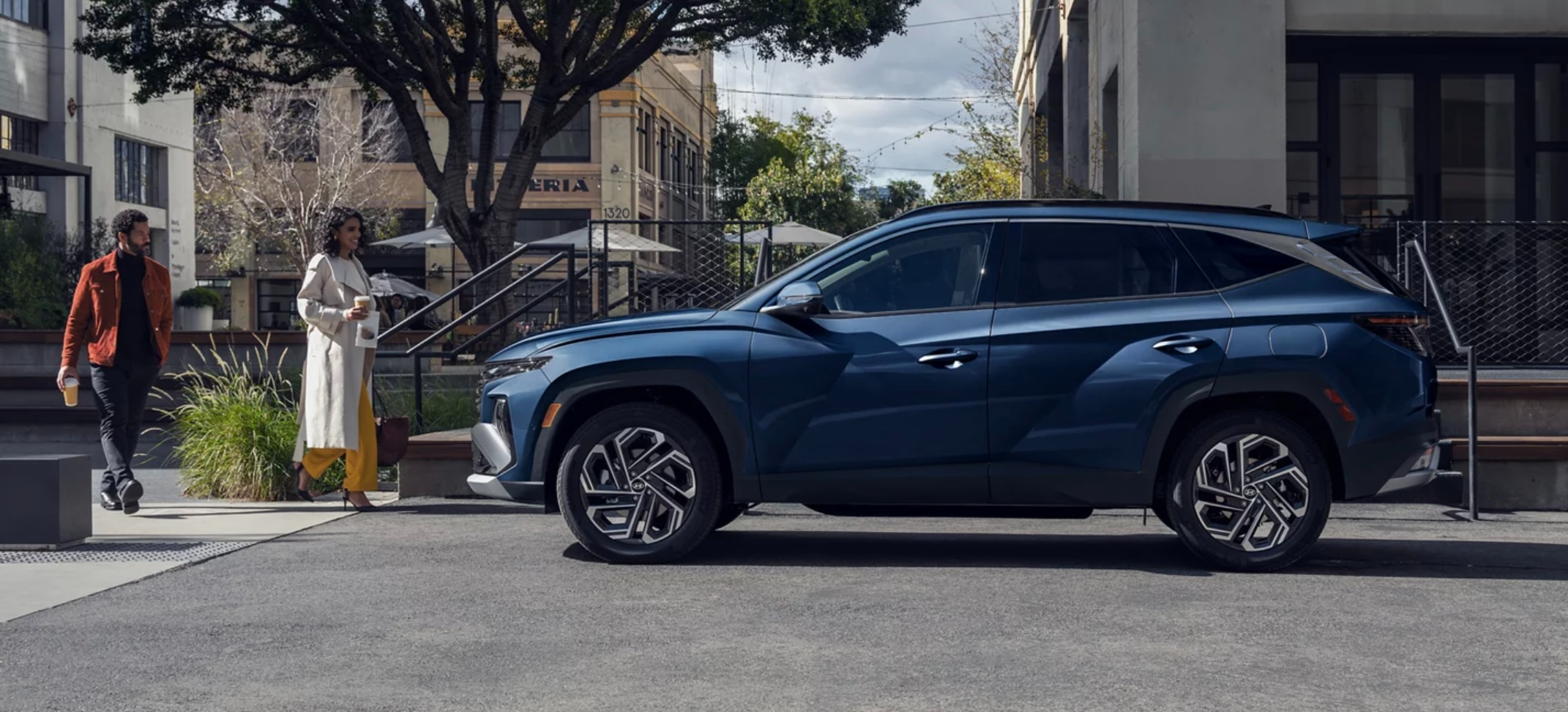
Remote starting your Hyundai Tucson is a convenient feature that lets you warm up or cool down your vehicle before you get in. Whether you’re dealing with freezing winter mornings or scorching summer afternoons, this comprehensive guide will walk you through everything you need to know about remote starting your Tucson.
Table of Contents
- Understanding Your Tucson’s Remote Start Options
- Using the Key Fob Method
- Using the Bluelink App
- Troubleshooting Common Issues
- Maximizing Remote Start Benefits
- Safety Considerations
- Frequently Asked Questions
Understanding Your Tucson’s Remote Start Options
The Hyundai Tucson offers two primary methods for remote starting your vehicle:
- Using your key fob (available on most models 2016 and newer)
- Using the Bluelink smartphone app (requires subscription)
Before attempting to remote start your Tucson, it’s important to verify which options are available on your specific model year and trim level. Most modern Tucson (2019 and newer) come equipped with both capabilities, while older models may have limited functionality to a standard key.
Using the Key Fob Method
The key fob method is the most straightforward way to remote start your Tucson. Here’s the step-by-step process:
- Ensure your vehicle is locked by pressing the lock button once
- Press and hold the remote start button (typically marked with a circular arrow)
- Wait for the parking lights to flash, indicating the engine has started
Note that your Tucson must be within range of the key fob (typically 50-100 feet) for this method to work. The engine will automatically shut off after 10 minutes if you don’t enter the vehicle, which is a safety feature designed to prevent unnecessary idling.
Key Requirements for Fob Remote Start
- The vehicle must be locked
- All doors must be closed
- The hood must be closed
- Battery voltage must be sufficient
- Check engine light must not be on
- Fuel level must not be critically low
Using the Bluelink App
Bluelink is Hyundai’s connected car service that offers remote start capabilities through your smartphone. This method provides an extended range since it works through cellular networks rather than radio frequency.
Setting Up Bluelink
- Download the Hyundai Bluelink app from your device’s app store
- Create a Bluelink account and verify your identity
- Add your Tucson to your account using the VIN
- Complete the enrollment process
- Ensure your Bluelink subscription is active
Remote Starting via Bluelink
- Open the Bluelink app
- Log in to your account
- Select your Tucson from your vehicles list
- Tap the “Remote Start” button
- Set your desired climate control settings
- Confirm the action
The Bluelink method offers several advantages over the key fob:
- Extended range (works anywhere with cellular service)
- Ability to set specific climate control settings
- Vehicle status updates
- Scheduling capabilities for recurring remote starts
Troubleshooting Common Issues
Even with proper setup, you might encounter occasional issues with remote starting your Tucson. Here are solutions to common problems:
Key Fob Won’t Start the Vehicle
- Check if the key fob battery needs replacement
- Ensure you’re within range of the vehicle
- Verify all doors and hood are properly closed
- Make sure the vehicle is locked
- Check that the fuel level isn’t too low
Bluelink App Issues
- Verify your subscription is active
- Check your phone’s internet connection
- Ensure the app is updated to the latest version
- Try logging out and back into the app
- Check if there are any service outages in your area
Maximizing Remote Start Benefits
Remote start functionality isn’t just about convenience—it can help protect your vehicle and improve your driving experience when used strategically.
Winter Benefits
- Defrost windows and windshield
- Warm up the engine gradually
- Heat the cabin to comfortable temperatures
- Improve visibility by clearing condensation
Summer Benefits
- Cool down interior temperatures
- Reduce strain on the AC system
- Protect leather seats from extreme heat
- Create a comfortable environment before entering
Safety Considerations
While remote start is a convenient feature, it’s important to use it responsibly:
Safety Guidelines
- Never remote start in an enclosed space
- Don’t leave valuables visible when using remote start
- Be aware of local idling regulations
- Monitor fuel consumption from extended use
- Keep track of the auto-shutoff timer
Environmental Considerations
- Limit unnecessary idling time
- Use scheduled remote starts strategically
- Consider using climate-controlled garages when possible
- Balance convenience with environmental impact
Special Features for Different Model Years
2022-2024 Tucson Models
- Enhanced range for key fob operation
- Improved Bluelink integration
- Smart climate control adaptation
- Vehicle status notifications
- Customizable temperature settings
2019-2021 Tucson Models
- Basic remote start functionality
- Standard Bluelink compatibility
- Limited climate control options
- Basic status updates
2016-2018 Tucson Models
- Key fob remote start only
- No smartphone integration
- Basic operation features
- Limited range
Frequently Asked Questions
How long will my Tucson run on remote start?
The vehicle will automatically shut off after 10 minutes if you don’t enter it. This is a safety feature and fuel-saving measure.
Can I remote start my Tucson multiple times?
Yes, but most systems limit you to two consecutive remote starts before requiring you to physically start the vehicle with the key.
Does the remote start work if my check engine light is on?
Generally, no. The remote start function is disabled when there are engine or emissions-related issues to prevent potential damage.
Will my Tucson’s remote start work if the fuel is low?
If your fuel level is critically low (typically below 1/8 tank), the remote start function may be disabled to prevent running out of fuel.
Does remote start drain my car battery?
While remote start does use some battery power, it shouldn’t significantly drain your battery unless used extensively without driving to recharge.
Maintaining Your Remote Start System
To ensure reliable operation of your remote start system:
- Regularly check and replace key fob batteries
- Keep your Bluelink subscription active
- Update the smartphone app when available
- Have your vehicle serviced regularly
- Address any warning lights promptly
Bring Home The 2025 Hyundai Tucson in Stroudsburg, Lancaster, or York, PA
Ready to experience the convenience of remote start in the 2025 Hyundai Tucson? Visit Kelly Hyundai of Stroudsburg today! Our knowledgeable team is ready to walk you through all the innovative features of the new Tucson, including its advanced remote start capabilities.
Whether you’re in Stroudsburg, Lancaster, or York, PA, we’re your premier destination for all things Hyundai. Stop by our showroom to test drive the 2025 Tucson and let us help you find the perfect trim level for your needs. Contact us now to schedule your visit or speak with our friendly sales team about our current inventory options and financing options. Your new Hyundai Tucson is waiting at Kelly Hyundai of Stroudsburg!


Kelly Hyundai of Stroudsburg

Address
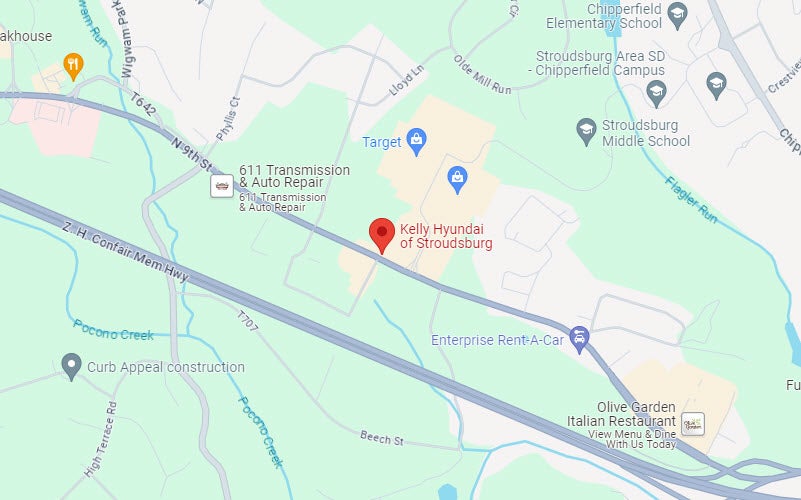
1534 North 9th Street
Stroudsburg, PA 18360
Phone
- Sales 570-776-9161
- Parts 570-776-9146
- Service 570-776-9311
| Monday | 9:00AM - 8:00PM |
| Tuesday | 9:00AM - 8:00PM |
| Wednesday | 9:00AM - 8:00PM |
| Thursday | 9:00AM - 8:00PM |
| Friday | 8:00AM - 7:00PM |
| Saturday | 9:00AM - 6:00PM |
| Sunday | Closed |
| Monday | 7:00AM - 6:00PM |
| Tuesday | 7:00AM - 6:00PM |
| Wednesday | 7:00AM - 6:00PM |
| Thursday | 7:00AM - 6:00PM |
| Friday | 7:00AM - 6:00PM |
| Saturday | 7:00AM - 5:00PM |
| Sunday | Closed |
| Monday | 7:00AM - 6:00PM |
| Tuesday | 7:00AM - 6:00PM |
| Wednesday | 7:00AM - 6:00PM |
| Thursday | 7:00AM - 6:00PM |
| Friday | 7:00AM - 6:00PM |
| Saturday | 7:00AM - 5:00PM |
| Sunday | Closed |